Paper
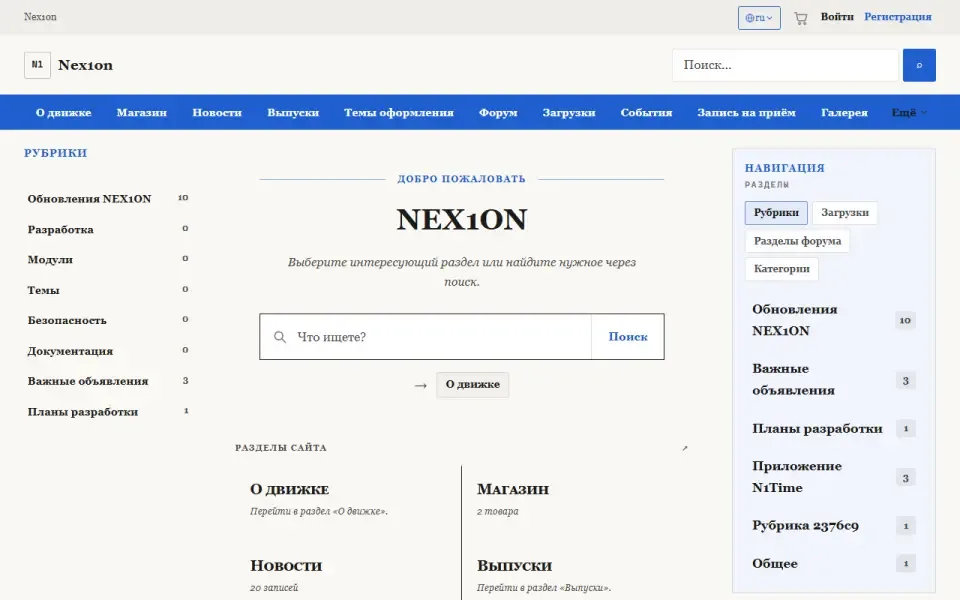
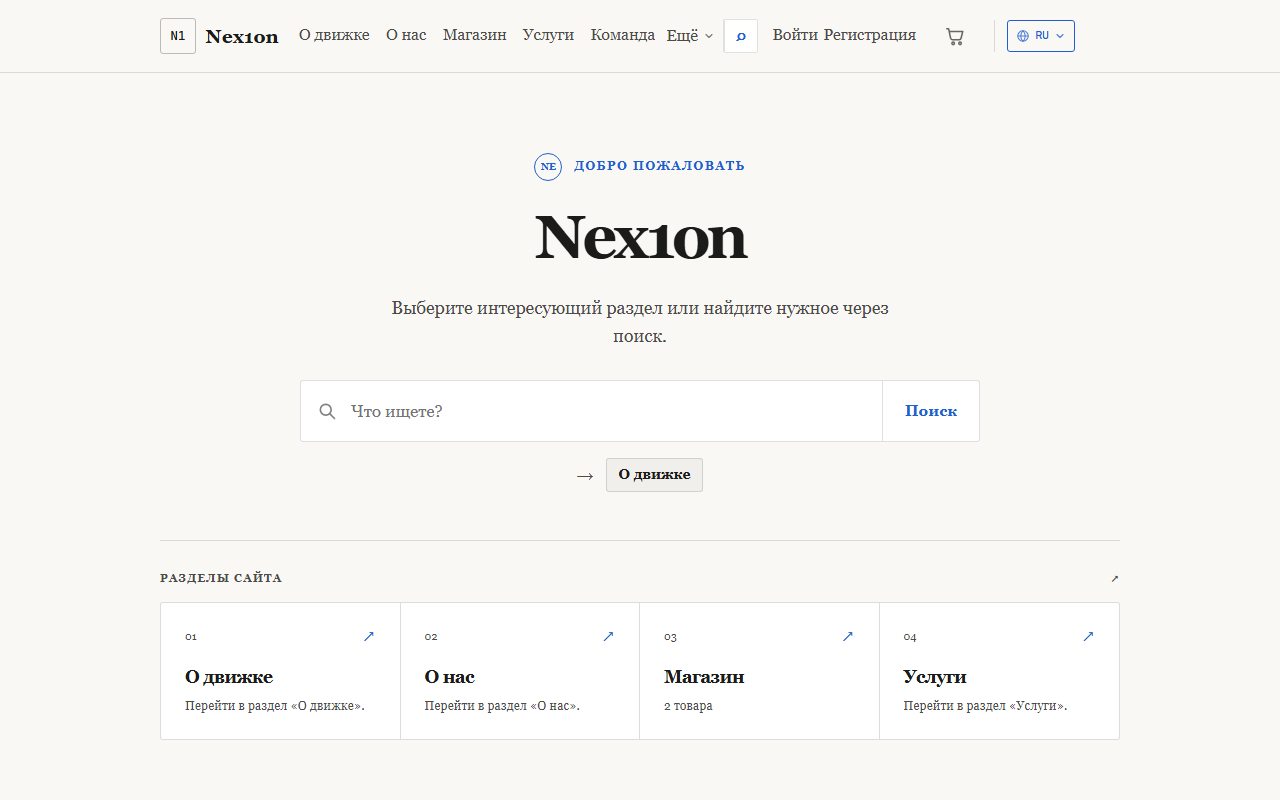
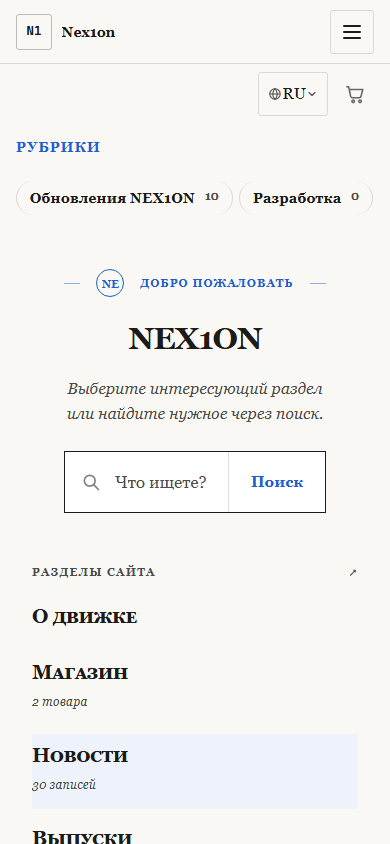
A light, quiet theme for reading: a warm paper background, serif body and headings, a narrow column, near-square corners and no glow at all.
Look
A light theme made deliberately the opposite of «Default»: a light warm background instead of a dark one, a serif font (Georgia) instead of a sans-serif, near-square corners instead of cut ones, and no glow. The column is narrower than in the other themes, and the margins are wide. The accent is blue, the secondary colour a muted orange. Animations switch off if the visitor has asked the system for reduced motion. Suits sites that people read at length: a knowledge base, documentation, articles, a company page.What you can configure
In the admin panel: «Appearance», part «Colours & fonts». Settings apply to the active theme: changes show at once in the site preview window, and visitors see them after «Publish». An empty field means «as the theme intended».- Colours: accent colour (#1f5fd0), secondary colour (#c2410c), background (#faf8f4), panels (white), text.
- Fonts: body font and heading font — as a font stack, from the preferred one to the fallback. By default both are serif: Georgia, Iowan Old Style, Times New Roman.
- Geometry: corner radius (3px), logo height (36px), content width (960px).
- Product cards: minimum width, photo shape (square, 4:3, 3:4, 16:9) and photo fitting — crop to fill or fit whole.
- Shared by the official themes: text scale, header height, spacing, sidebar width, card, button and field radius, card density and shadow, motion speed.
Block places
Eight places; each theme has its own arrangement, changed in «Appearance», part «Home & blocks»: home introduction, home page (module sections shown only on the home page), header icons next to the language switcher, header, above the content, below the content, sidebar (appears only when something is placed in it) and footer.Installation
The theme is part of the delivery: it has no tables, permissions or data. The full archive holds it, and with the ordinary archive the installer downloads it when the chosen kind of site uses it. It is switched on in «Appearance», part «Theme», with the «Make active» button. The theme contains no templates: the markup is shared and comes from the core, so modules take on its look straight away.Versijų istorija
1.0.0
- Вторая тема — светлая, с засечками, нарочно противоположная «Обычной»
- В папке темы ни одного шаблона: разметка общая, из ядра, тема задаёт только облик
- Те же переменные оформления, что у «Обычной», — цвета, шрифты, скругления, ширина
- Правки без смены номера: меню сайта на телефоне кнопкой, снимок темы в панели, куски модулей на главной, контраст подписей, подвал по два столбца на телефоне, кнопки под палец