Terminal
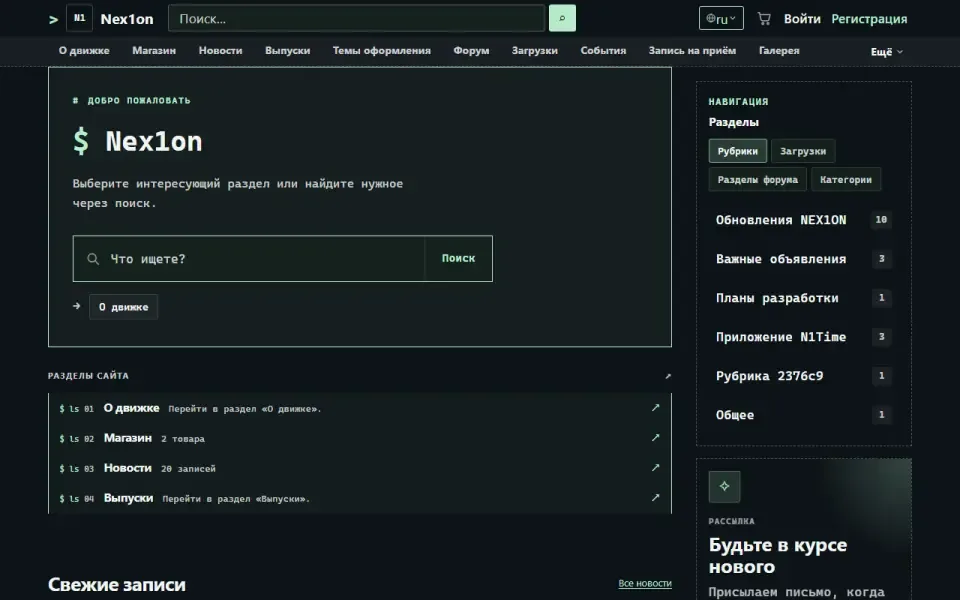
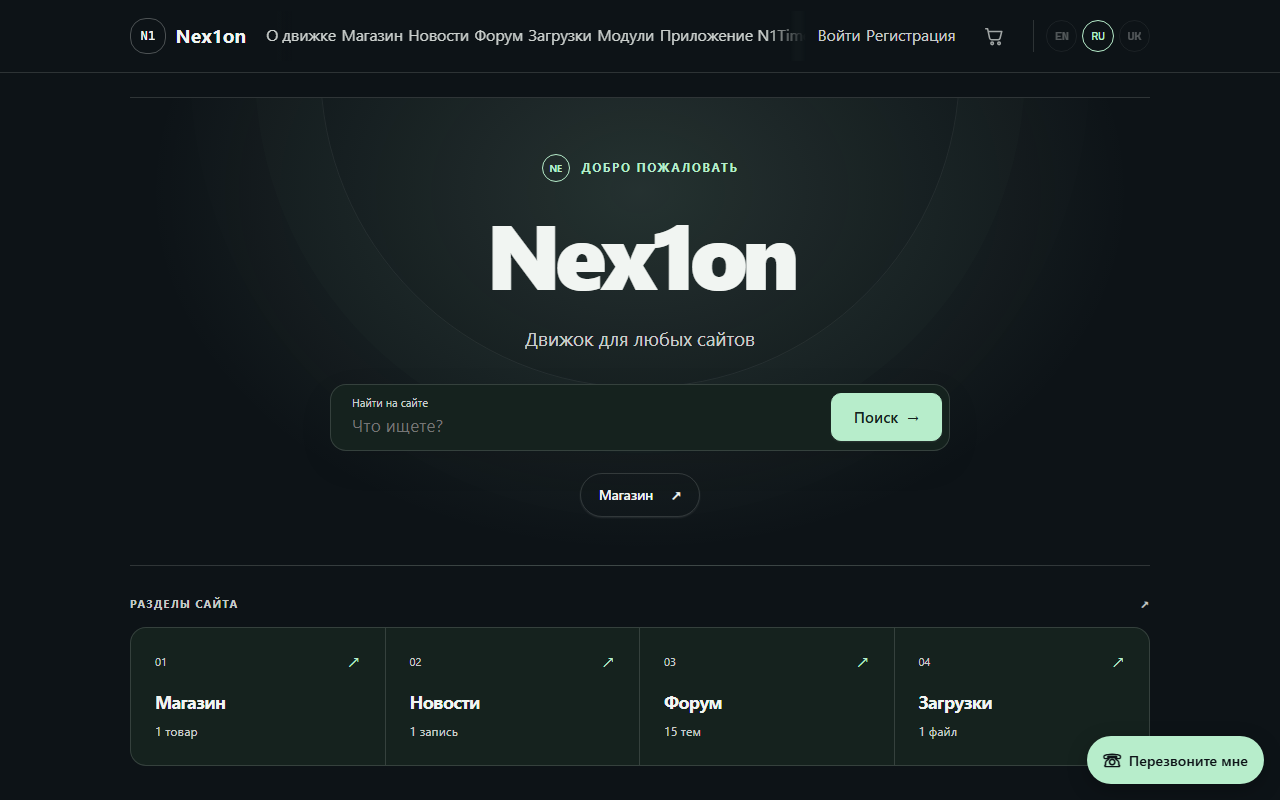
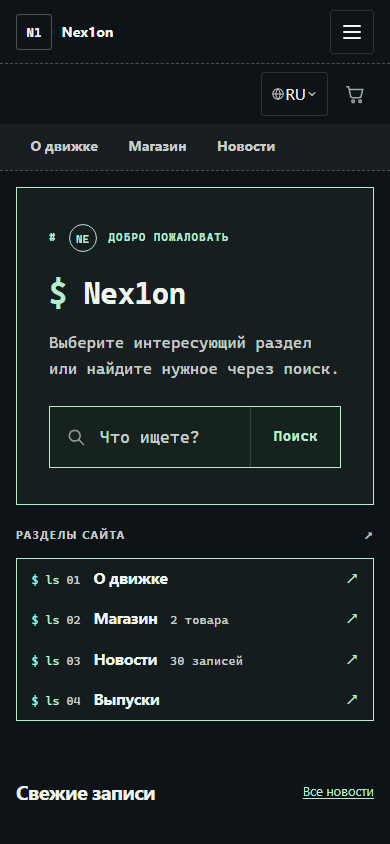
A dark, calm theme: a graphite background, greenish rounded panels and a single mint accent. The «Journal» layout in a night palette, easy on the eyes in the evening and at night.
Look
A dark theme grown out of «Journal»: the same layout, rounded cards and space between posts, but in a night palette — a graphite background, greenish panels and a single mint accent. The corner radius is large. Shadows are cast in black rather than in the text colour, so light text does not glow. The theme tells the browser that it is dark, so dropdowns, date pickers and scrollbars are dark too. Animations switch off if the visitor has asked the system for reduced motion. Suits sites that are often opened in the evening, and anyone who needs a dark theme calmer than «Default».What you can configure
In the admin panel: «Appearance», part «Colours & fonts». Settings apply to the active theme: changes show at once in the site preview window, and visitors see them after «Publish». An empty field means «as the theme intended».- Colours: accent colour (#b7edcb), secondary colour (#a6b8b0), background (#0d1317), panels (#15221e), text.
- Fonts: body font and heading font — as a font stack, from the preferred one to the fallback.
- Geometry: corner radius (3px), logo height (36px), content width (1020px).
- Product cards: minimum width, photo shape (square, 4:3, 3:4, 16:9) and photo fitting — crop to fill or fit whole.
- Shared by the official themes: text scale, header height, spacing, sidebar width, card, button and field radius, card density and shadow, motion speed.
Block places
Eight places; each theme has its own arrangement, changed in «Appearance», part «Home & blocks»: home introduction, home page (module sections shown only on the home page), header icons next to the language switcher, header, above the content, below the content, sidebar (appears only when something is placed in it) and footer.Installation
The theme is part of the delivery: it has no tables, permissions or data. The full archive holds it, and with the ordinary archive the installer downloads it when the chosen kind of site uses it. It is switched on in «Appearance», part «Theme», with the «Make active» button. The theme contains no templates: the markup is shared and comes from the core, so modules take on its look straight away.Historia wersji
1.0.0
- Пятая тема — тёмная, на раскладке «Дневника»: графитовый фон, зеленоватые панели, мятный акцент
- Тени от чёрного, а не от цвета текста; красный и зелёный для состояний посветлее, чтобы читались на тёмном
- Браузеру сказано, что тема тёмная: списки, календари и полосы прокрутки тоже тёмные
- Правки без смены номера: выбор языка списком, меню и подвал на телефоне, кнопки «В корзину» под палец