Studio
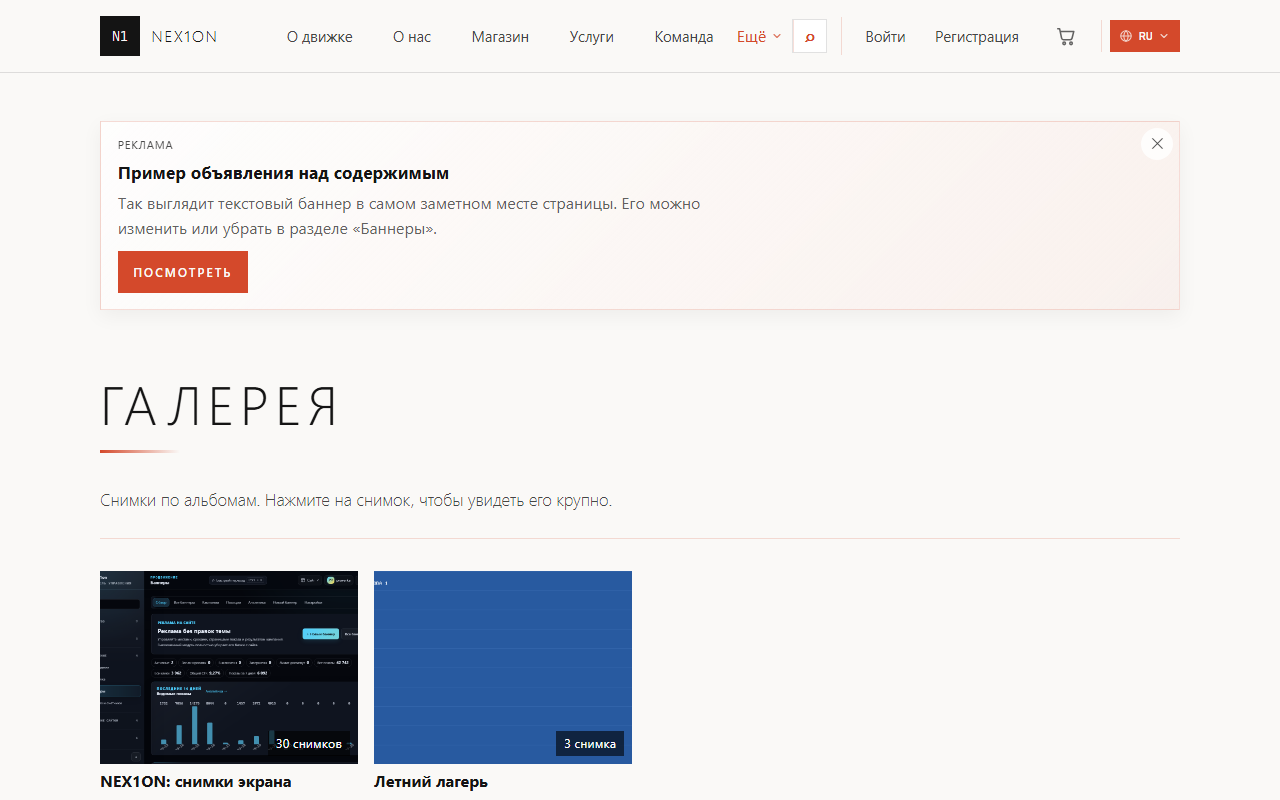
A quiet portfolio theme: lots of air, light uppercase headings, edge-to-edge galleries with tight gaps, a single coral accent.
Look
A quiet portfolio theme: lots of air, light uppercase headings, edge-to-edge galleries with tight gaps, a single coral accent. Animations switch off if the visitor has asked the system for reduced motion.What you can configure
In the admin panel: «Appearance», part «Colours & fonts». Settings apply to the active theme: changes show at once in the site preview window, and visitors see them after «Publish». An empty field means «as the theme intended».- Colours: accent colour (#d4492b), secondary colour (#8a7a6a), background (#faf9f7), panels (#ffffff), text (#141414). The theme also has a second colour scheme.
- Fonts: body font and heading font — as a font stack, from the preferred one to the fallback. By default the body is Segoe UI and the headings Segoe UI Light.
- Geometry: corner radius (0px), logo height (40px), content width (1280px).
- Product cards: minimum width (15rem), photo shape (by default 16:9; available: square, 4:3, 3:4, 16:9, 2:3) and photo fitting — by default crop to fill.
- Shared by the official themes: text scale, header height, spacing, sidebar width, card, button and field radius, card density and shadow, motion speed.