Banners
Slots for your own announcements or third-party ads in theme areas: an image, text with a link or ad network code, with a schedule, page targeting, limits, campaigns and counting of viewable impressions and clicks.
Features
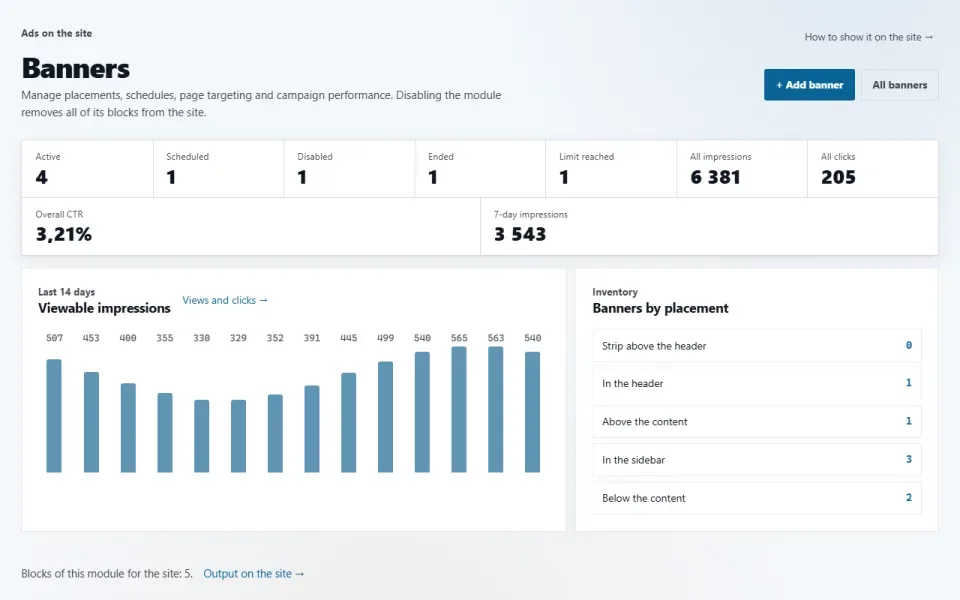
- Five slots: header, above the content, sidebar, below the content, footer. Each is a block that can be moved in «Appearance → Home & blocks».
- Three kinds: an image with a link, words with a link and a button, ad network code. Three sizes, separate images for tablet and phone.
- Display pages (all, home page, path masks such as /shop/* or everything except them), language, dates, days of the week and hours.
- Impression and click limits, a daily limit per browser, weighted A/B rotation, campaigns paused with a single button.
- An impression is counted by the browser when at least half of the banner is visible, so page caching does not distort the figures. A click leads only to the link stored in the banner record.
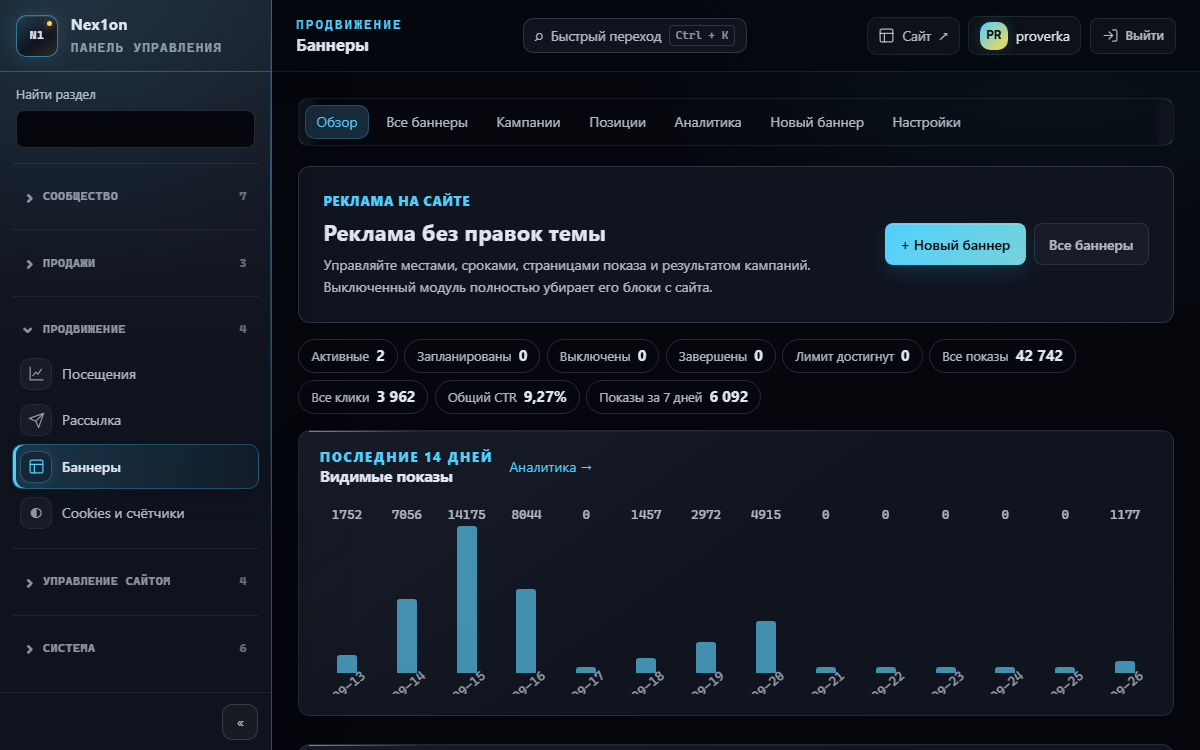
- In the panel: overview, a filtered list, campaigns, a position map, daily statistics.
Configuration
«Settings» → «Banners»:- Banners per placement — from 1 to 10, 3 by default.
- Track viewable impressions — on.
- Minimum visible time, ms — 500 by default.
Permissions
- See banners — overview, lists, statistics. On installation: administrator, editor, manager.
- Add and change banners — on installation, administrator only: ad network code runs on the pages as is.
On the site
The module has no pages of its own. Service addresses: /banner/{id} — a redirect that counts the click, /banner/{id}/impression — an impression beacon.Installation and removal
Tables banners and banner_daily_stats. Three samples are created on installation: above the content, in the sidebar and in the footer. A deleted banner goes to the shared bin; emptying the bin also removes its statistics, while the images stay in the media library. Removing the module with its data erases both tables.How to install
You already have it. Panel → Modules → enable.
Version history
1.4.0
- A deleted banner goes to the shared bin and can be restored from there; when it is emptied permanently, the banner's daily statistics are deleted with it
- Bulk deletion and deleting a campaign also move banners to the bin instead of erasing them at once
- The banners section in the panel opens at the configured panel address and respects the panel IP access restriction
- Confirmation of banner and campaign deletion now uses the panel's shared mechanism
1.3.0
- Viewable impressions: an impression is counted by the browser when at least half of the banner stays visible for the set time; page caching no longer distorts the statistics
- Page targeting: all pages, home page only, only the listed paths, or everything except them
- Schedule by days of the week and hours, impression and click limits, a daily impression limit per browser
- Weighted A/B rotation, campaigns that are started, paused and deleted with one button, a label above the banner, opening the link in a new tab
- A third kind, «Words with a link», three sizes, separate images for tablet and phone, a first-letter placeholder instead of a missing image
- The panel is split into an overview, a filtered list, campaigns, a position map and daily statistics; bulk actions and banner copying; custom block names in «Placement»
- Settings: banners per placement, viewable impression tracking, minimum visible time
- A banner click leads only to an internal path or an http/https address; rate limiting for clicks and impression beacons
1.0.0
- A banner goes into one of five theme areas: header, above the content, sidebar, below the content, footer
- Two kinds: an image with a link and ready-made ad network code
- Display period, site language and order
- Impression and click counting, redirects only to the link from the banner record
- The media library knows which images are used by banners
Questions and findings go to the forum: the Modules section